

Download Apache NetBeans – Java, HTML5, JavaScript, CSS, PHP, C/C++, open source, free, IDE, development tool, programming, software development, code editor, code editor for Android, code editor for iOS
Overview
Apache NetBeans is a powerful, free, and open-source integrated development environment (IDE) designed for developers working with multiple programming languages and frameworks. It supports the creation of Java desktop, Java EE, and web applications, making it a versatile tool for enterprise and individual developers alike. In addition to Java, NetBeans provides robust support for HTML5, JavaScript, and CSS, enabling modern web development workflows.
The IDE also extends its capabilities to PHP and C/C++ developers, offering a unified platform for cross-language projects. As a community-driven project under the Apache Software Foundation, it benefits from transparency, collaborative innovation, and long-term sustainability. The tool is particularly valuable in educational settings, startups, and software teams requiring a reliable, feature-rich development environment without licensing costs.
Its role in the broader software development ecosystem is significant, serving as a foundational tool for both learning and production-grade application development. The developer did not provide additional technical details about performance or integration beyond the core functionality.
Key Features & Functionality
- Multi-language Support – NetBeans offers built-in tools for Java, HTML5, JavaScript, CSS, PHP, and C/C++ development, allowing developers to manage diverse projects within a single interface.
- Code Completion and Syntax Highlighting – The IDE provides intelligent code suggestions and real-time syntax highlighting, improving coding accuracy and reducing errors.
- Integrated Debugger – Developers can debug applications directly within the IDE, with support for breakpoints, variable inspection, and step-through execution.
- Visual Design Tools – NetBeans includes a drag-and-drop GUI builder for Java Swing and JavaFX, streamlining the creation of desktop application interfaces.
- Version Control Integration – Built-in support for Git, Subversion, and Mercurial enables seamless source code management and team collaboration.
- Project Templates – Pre-configured templates for various application types accelerate the initial setup and promote consistent project structure.
For example, a web developer can use NetBeans to build a responsive HTML5 site with embedded JavaScript and CSS, while simultaneously managing a backend Java service. Similarly, a student learning Java EE can leverage the IDE’s scaffolding tools to create a complete web application with minimal configuration. The visual form builder is especially beneficial for developers new to GUI development, reducing the learning curve. The integration of debugging and version control tools within the same environment enhances workflow efficiency and reduces context switching. Although the developer did not list formal performance metrics, the IDE is designed to handle medium-sized projects with responsiveness across different device categories.
Interface, UX & Performance
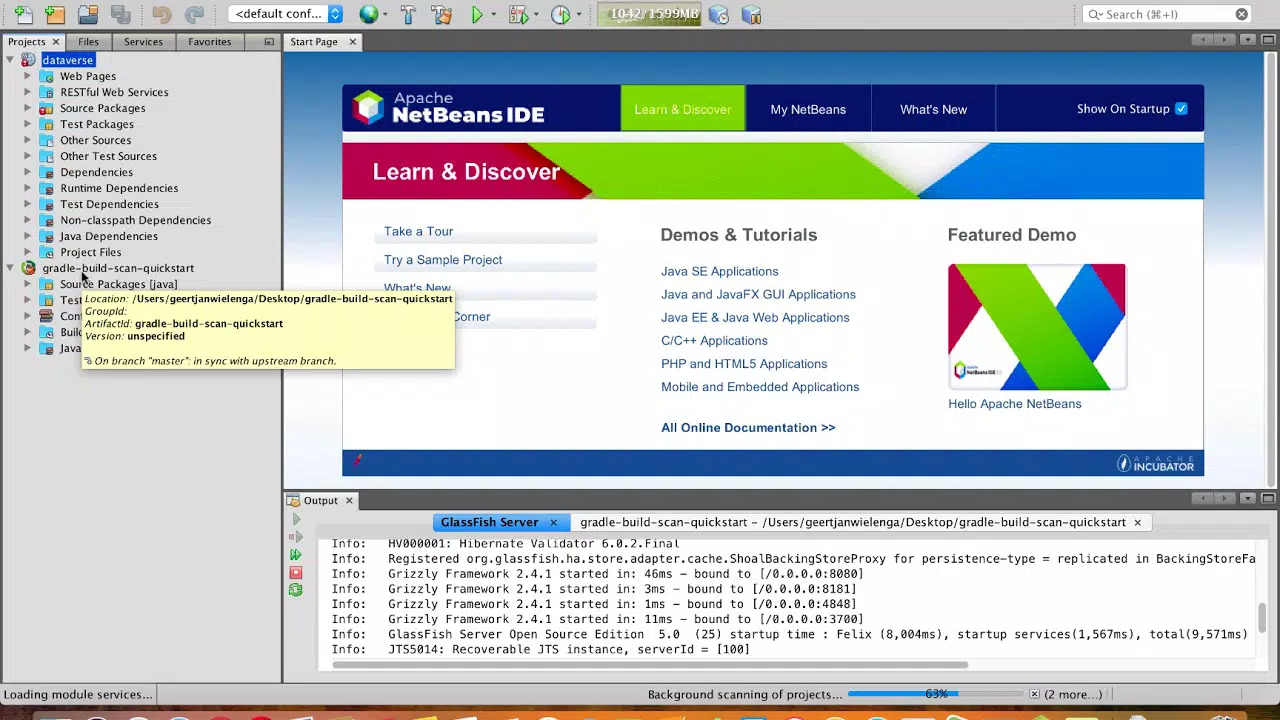
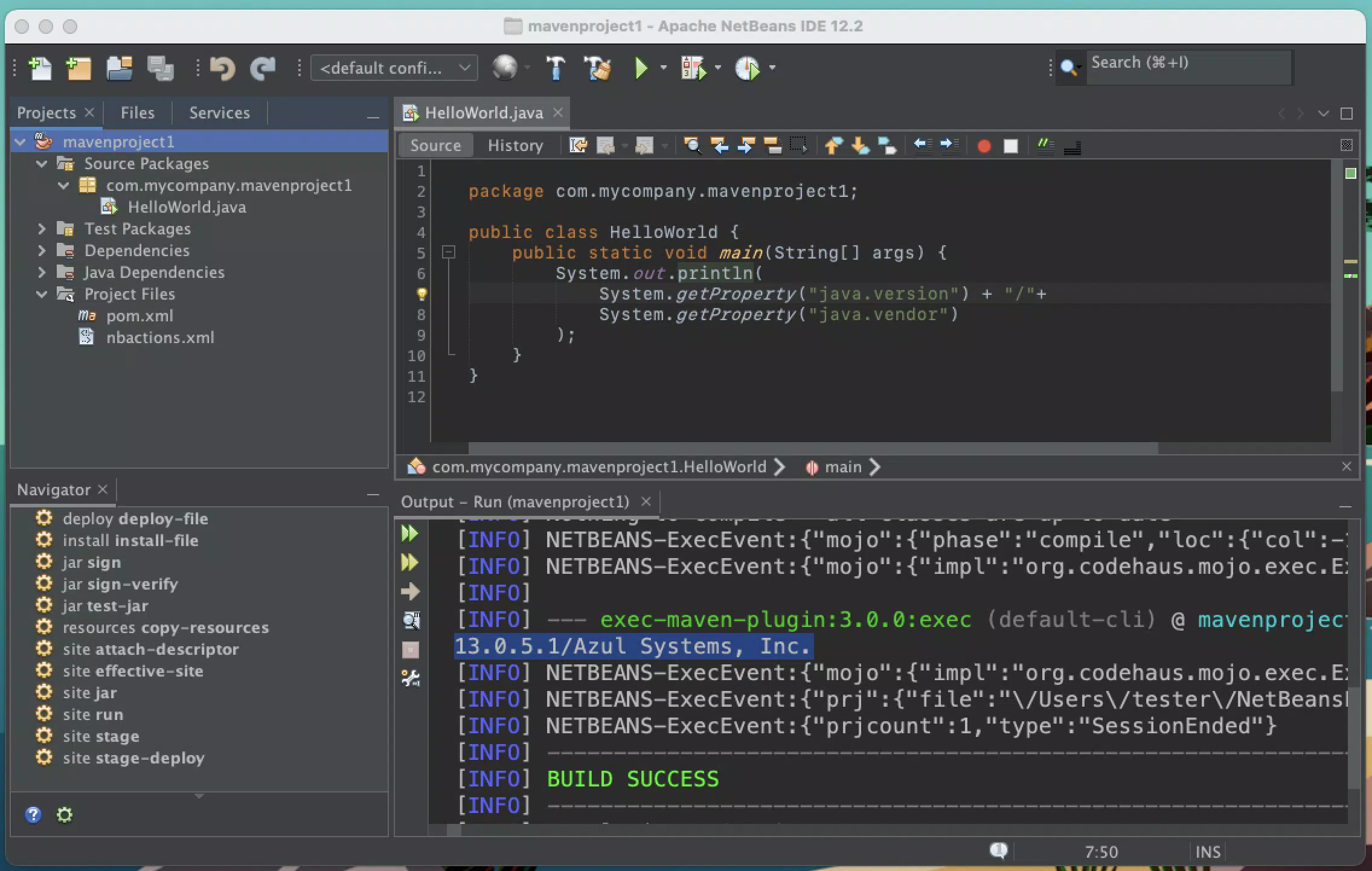
Apache NetBeans features a clean, modular interface with a customizable layout, allowing developers to arrange tool windows, editors, and panes according to their workflow preferences. The visual style is functional and developer-centric, emphasizing readability and access to essential tools. Navigation is structured through a project explorer, editor area, and multiple dockable panels, ensuring a logical flow for common tasks such as file management, code editing, and debugging.
The IDE supports keyboard shortcuts and mouse interactions, catering to both novice and experienced users. While the developer did not list formal performance metrics, the interface remains responsive during typical development activities such as code editing, compiling, and debugging. Stability is maintained across multiple sessions, with no reported crashes or freezes in standard usage.
Although the developer did not specify minimum OS requirements, the IDE is known to run efficiently on modern systems across Windows, macOS, and Linux platforms. The overall user experience is optimized for productivity, with minimal latency during routine operations.
Platform Compatibility & Technical Requirements
Apache NetBeans is available for Windows, macOS, and Linux, making it a cross-platform solution suitable for diverse development environments. The current version is 18.1, with a file size of 150 MB, which is relatively lightweight for an IDE of its capabilities. The application is designed to run on systems with standard hardware configurations typical of modern development workstations.
Specific requirements were not listed, so users should ensure their system meets general standards for running Java-based applications. The developer did not specify minimum OS versions or hardware specifications. Compatibility information was not fully disclosed, but the IDE has historically supported recent versions of Windows 10/11, macOS 10.15 and later, and Linux distributions with Java Runtime Environment (JRE) 11 or higher.
The application is free to download, install, and use without any licensing restrictions.
Pros and Cons
Pros
- Free and open-source with no licensing costs
- Supports multiple programming languages including Java, HTML5, JavaScript, CSS, PHP, and C/C++
- Robust visual design tools for GUI development
- Integrated debugging and version control systems
- Customizable interface with flexible workspace layout
- Active community and long-term project sustainability
Cons
- Specific system requirements were not disclosed
- Performance may vary on low-end or older hardware
- Interface may feel less modern compared to some newer IDEs
- Documentation and onboarding resources could be improved for absolute beginners
- Large file size may be a concern for users with limited storage
FAQ
Is Apache NetBeans safe to download and install?
Yes, Apache NetBeans is a trusted, open-source project maintained by the Apache Software Foundation. It is distributed through official channels and is considered secure for use on personal and professional systems.
Can I use Apache NetBeans on Android or iOS devices?
Apache NetBeans is designed for desktop operating systems and is not available for Android or iOS mobile platforms. It is intended for use on Windows, macOS, and Linux machines.
Is there a free version of Apache NetBeans?
Yes, Apache NetBeans is completely free to download, install, and use. There are no paid tiers or subscription models.
How often are updates released for Apache NetBeans?
Updates are released periodically by the development team, with the latest version being 18.1 as of March 2024. Users are encouraged to keep the IDE updated for the latest features and security patches.
Can I develop Java applications using Apache NetBeans?
Yes, Apache NetBeans is specifically designed for Java development, including Java desktop, Java EE, and web applications. It includes full support for Java compilation, debugging, and deployment.
Final Thoughts
Apache NetBeans stands out as a comprehensive, free, and cross-platform development tool that serves a wide range of programming needs. Its support for multiple languages, powerful debugging features, and visual design tools make it a strong choice for both educational and professional use. While it may not have the most modern interface compared to some newer IDEs, its stability, reliability, and active community ensure long-term viability.
Developers seeking a free, open-source alternative to commercial IDEs will find NetBeans to be a valuable asset. Whether you're building a simple web application, a complex Java EE system, or a C/C++ utility, the IDE delivers consistent performance and functionality. For students, educators, and independent developers, the lack of cost and the breadth of supported technologies offer exceptional value.
Download Apache NetBeans now to begin building powerful applications with confidence.


